

Latest Version
Unique Soft
Windows
Free
9p4gn06vwzpx
Report a Problem
More About MyIrancell Unofficial Client
An Independent Review of the MyIrancell Unofficial Client
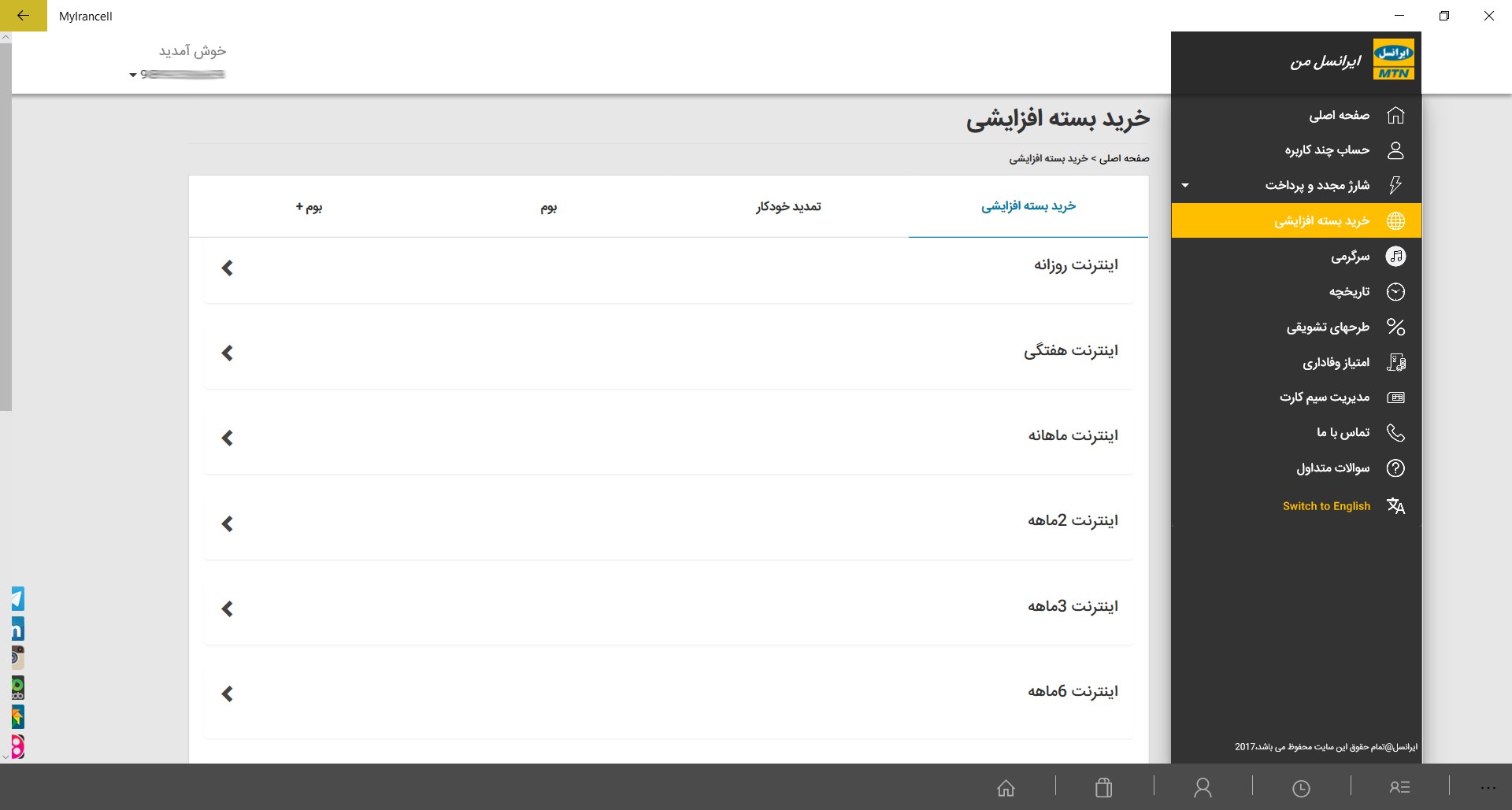
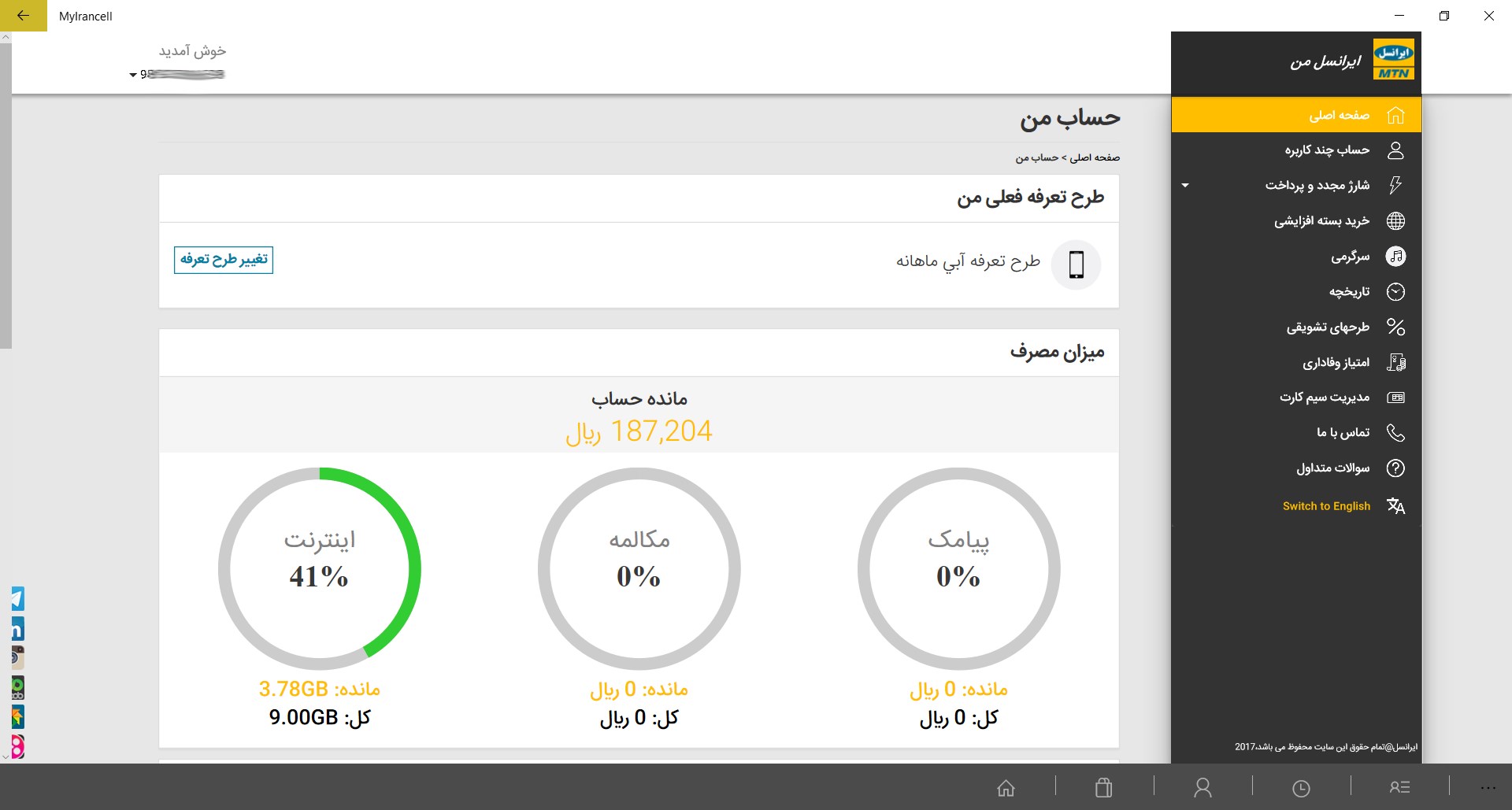
Managing your mobile account services efficiently from a desktop environment can greatly streamline your daily workflow. The MyIrancell unofficial Windows utility is a dedicated desktop client developed by Unique Soft, designed specifically for Windows users who want to access their Irancell account services without relying on a mobile device. Based closely on the official web portal interface, this application offers a streamlined, wrapper-style experience directly on your PC.
Crucial Regional Connectivity Requirements
Before exploring the features of this tool, there is an essential technical limitation that users must keep in mind. Because the official Irancell infrastructure is geo-restricted, this application will only function when accessed from within Iran. If you are attempting to run the software from any other country or via a virtual private network (VPN) routed outside of the region, the client will be unable to establish a connection to the database. Ensure your network connection is local and direct to guarantee proper functionality.
Who Is This Application For?
This utility is highly beneficial for specific user profiles who prefer desktop management over mobile interfaces:
- Desktop-Centric Users: Individuals who spend their workdays on a Windows PC and prefer managing their telecom services without constantly reaching for their smartphones.
- Multi-Taskers: Users who appreciate having their account status, data usage, and balance details visible on a larger screen alongside other productivity tools.
- Minimalists: Those who prefer a lightweight, web-based desktop wrapper rather than loading heavy emulators or resource-intensive applications.
Key Features and Interface Layout
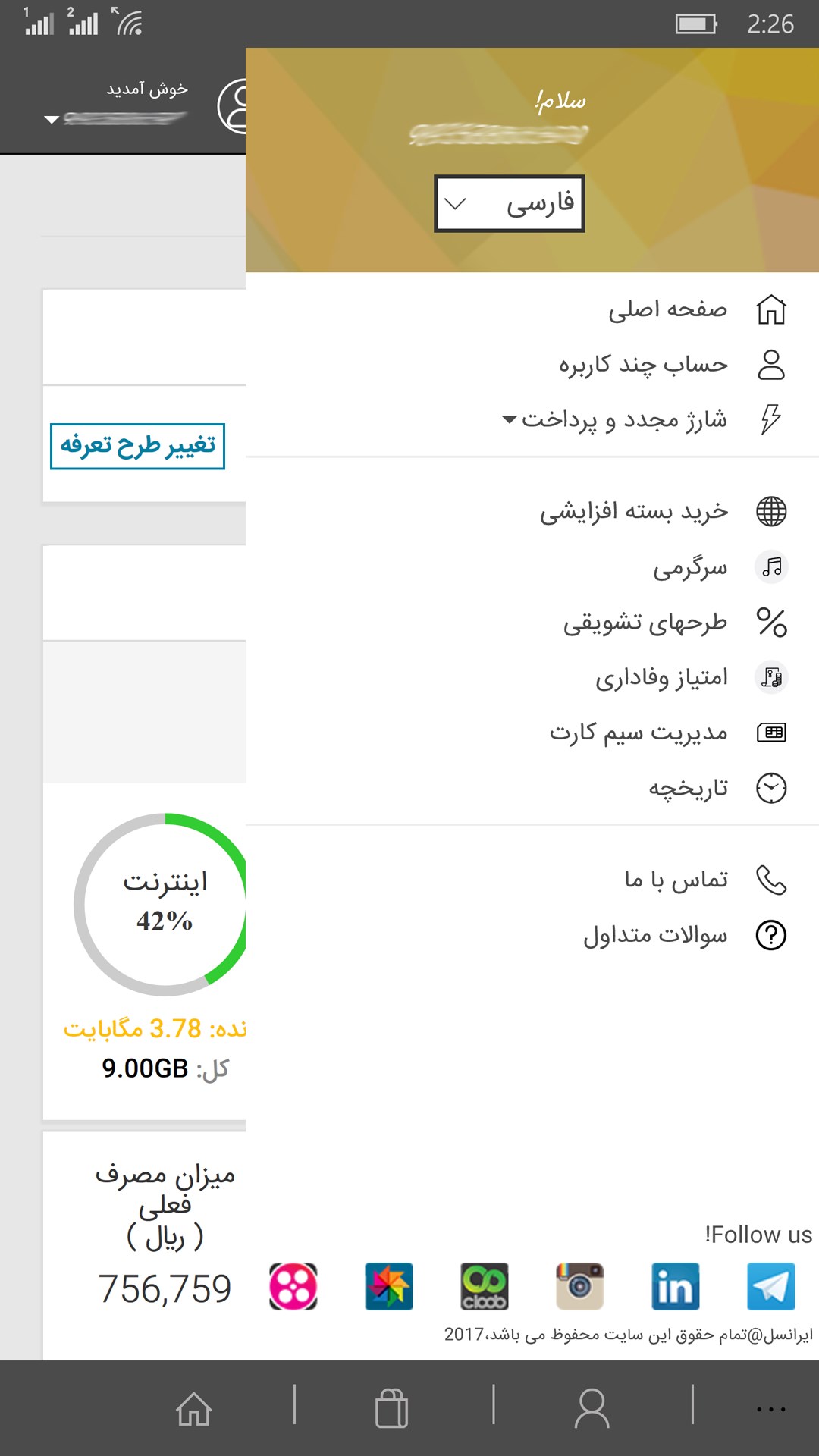
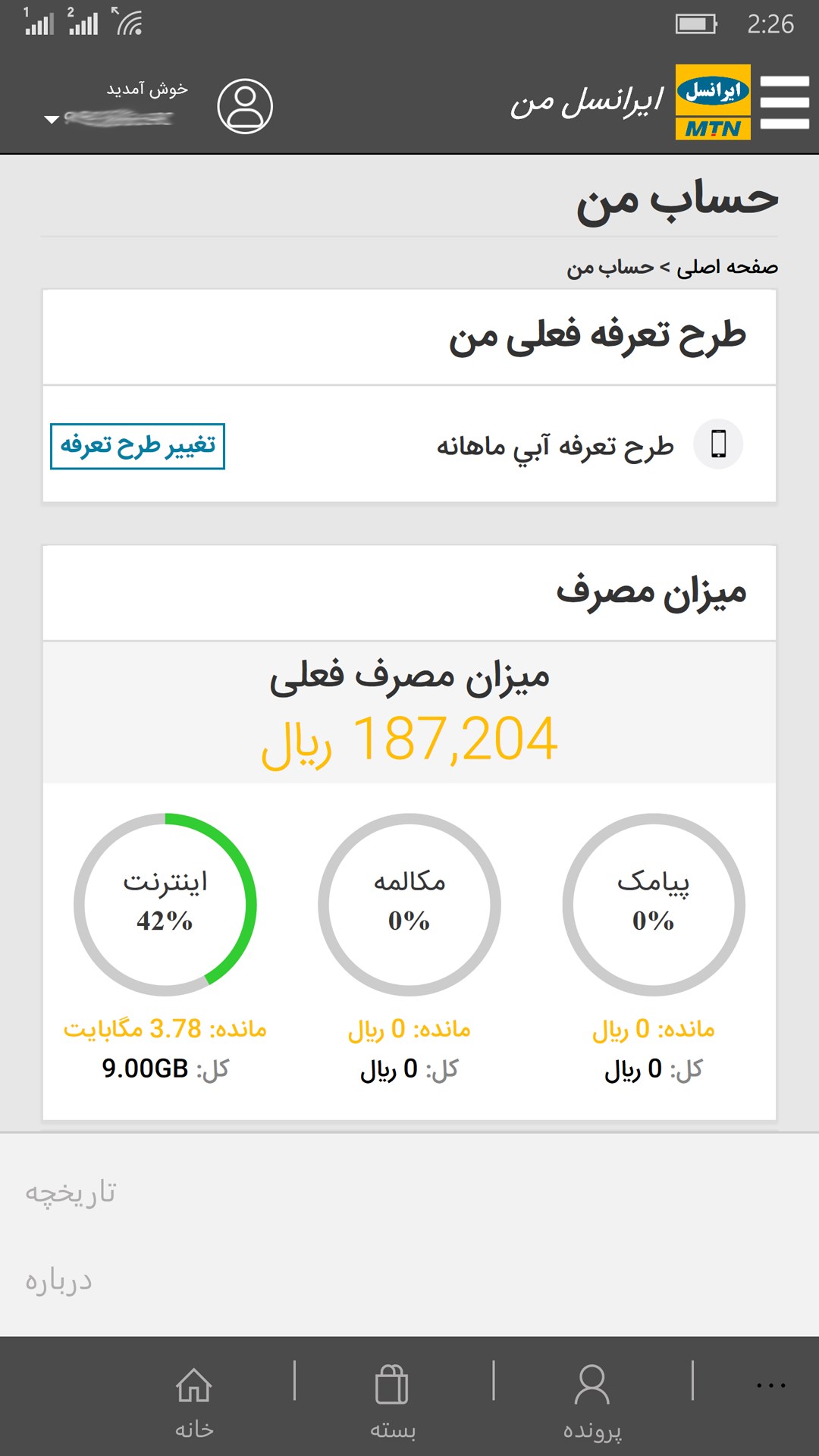
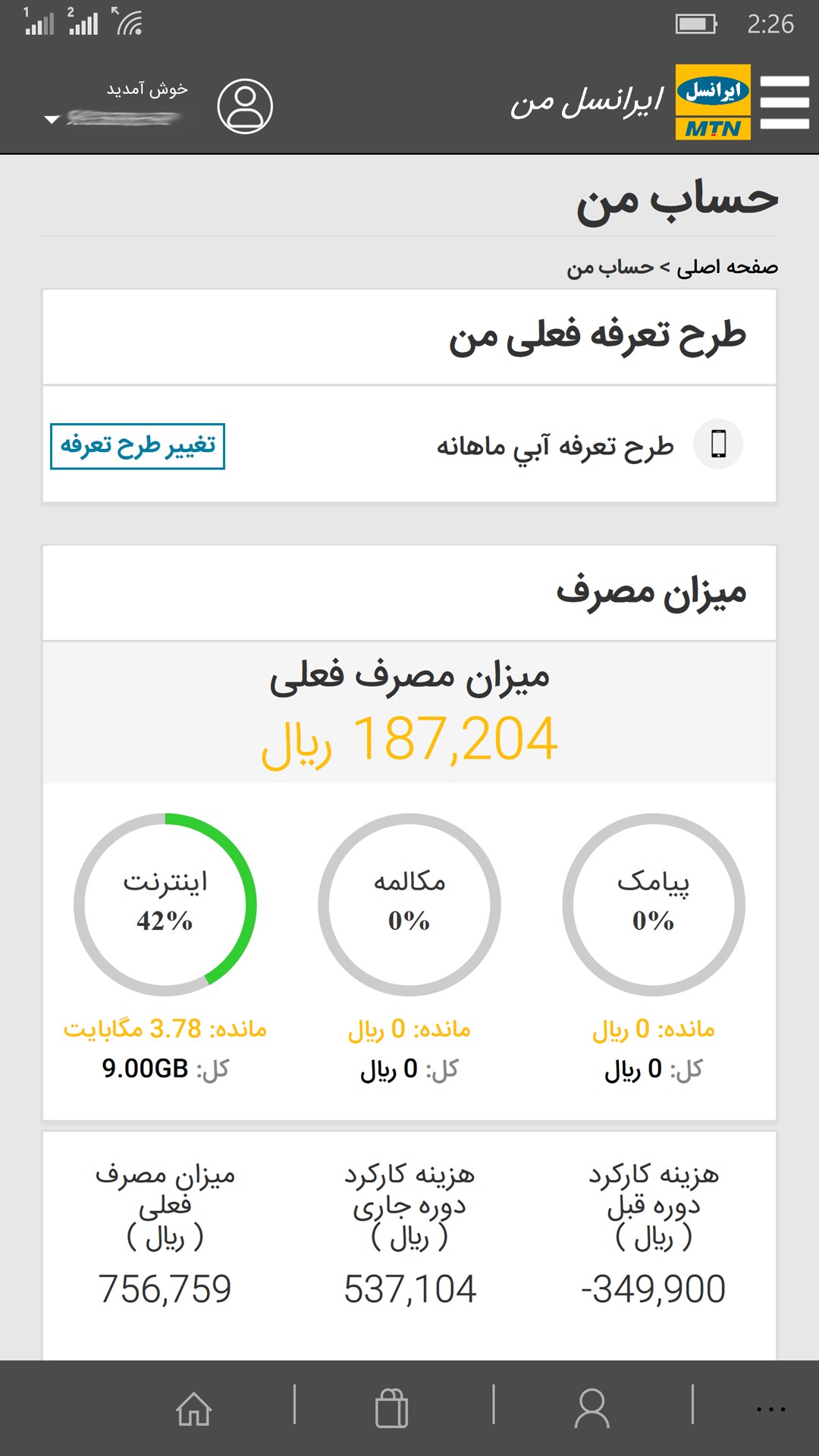
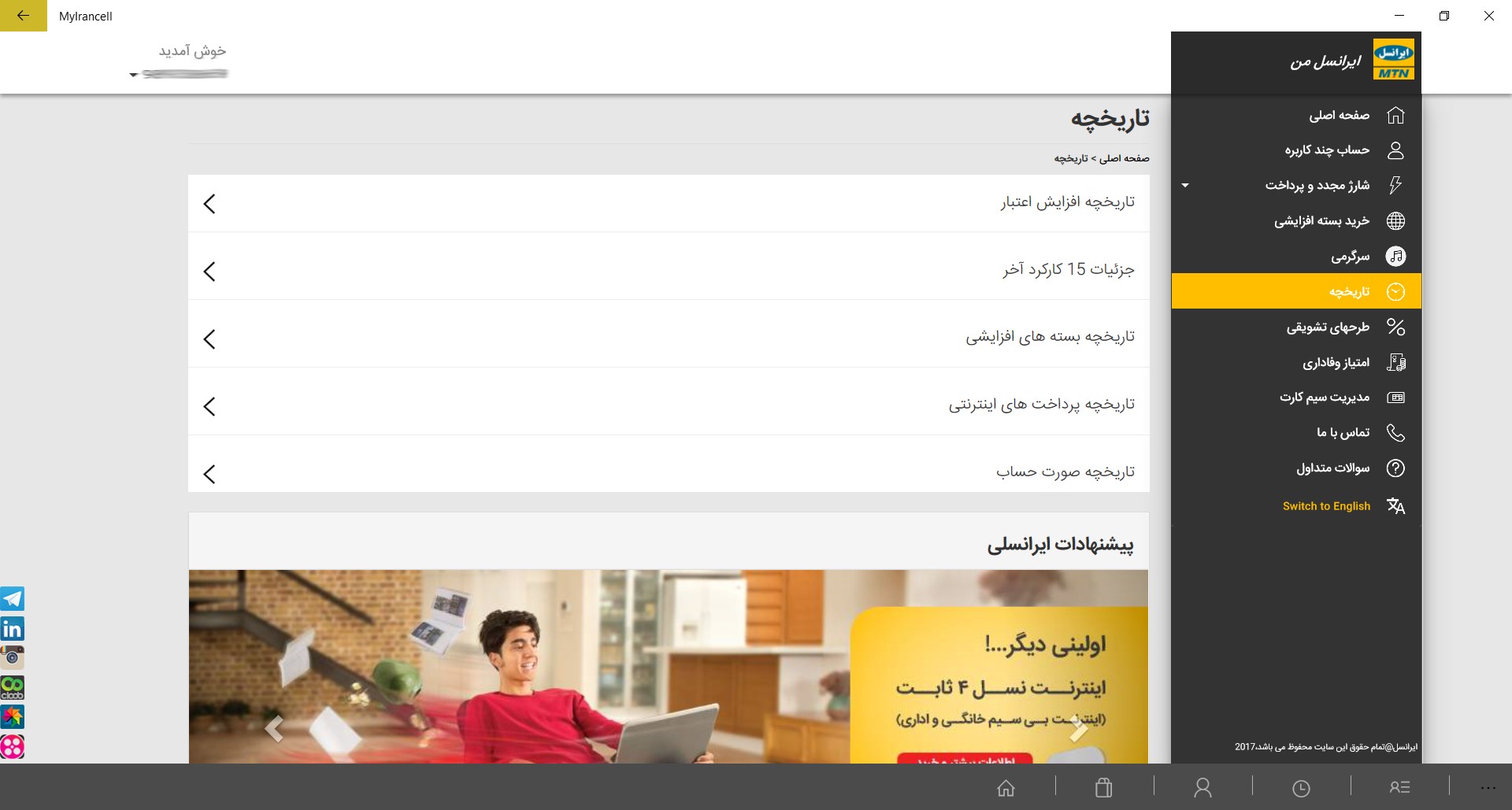
The MyIrancell unofficial Windows utility serves as a direct bridge to your telecom account dashboard. Because it is built upon the web-based version of the service, it mirrors the essential functionalities of the portal. Users can easily monitor active packages, review their current balance, and navigate account settings using a standard keyboard and mouse. The layout is clean and optimized for standard monitor resolutions, providing a comfortable viewing experience compared to cramped mobile screens.
Pros and Cons to Consider
When deciding whether to integrate this tool into your daily routine, consider the following structural aspects:
- Pros: Lightweight installation footprint, native Windows platform integration, and a familiar user interface that matches the web version.
- Cons: Strictly limited to domestic IP addresses (will not work internationally) and lacks some of the native hardware integrations found on official mobile apps.
Final Verdict
For Windows users located in Iran, the MyIrancell unofficial Windows utility by Unique Soft offers a straightforward, functional way to monitor mobile accounts directly from a PC. It successfully eliminates the need to open a browser tab or unlock a smartphone just to check your telecom status. To explore this software further and view its installation requirements, please visit its official listing on the Microsoft Store.
Rate the App
User Reviews
Other Apps in This Category







Popular Apps










Editor's Choice